UART and COM Port Acquisition
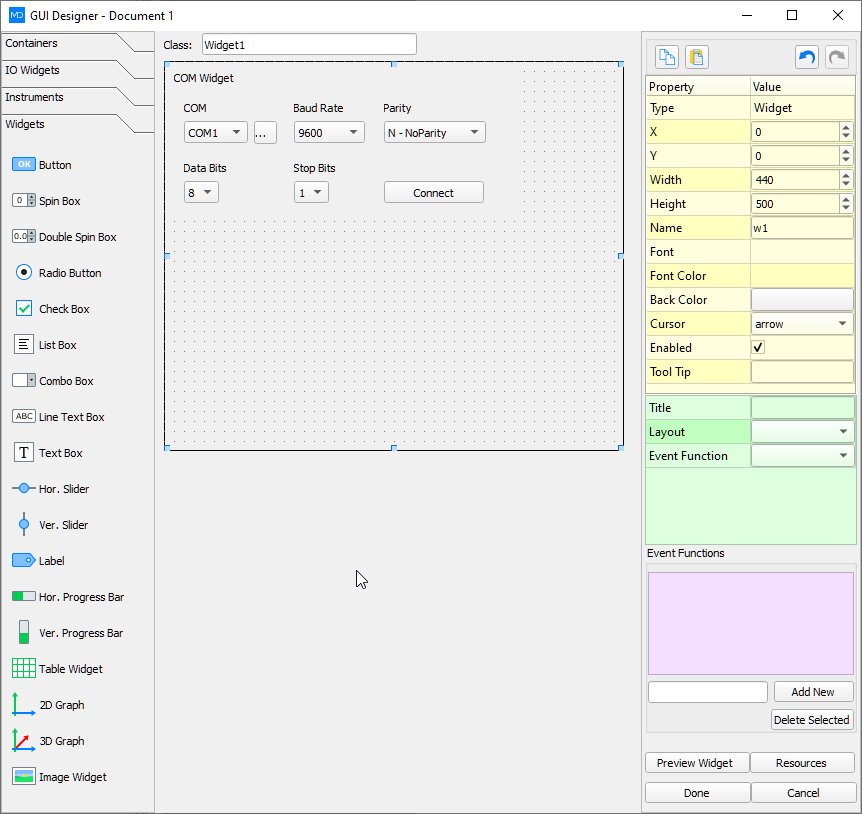
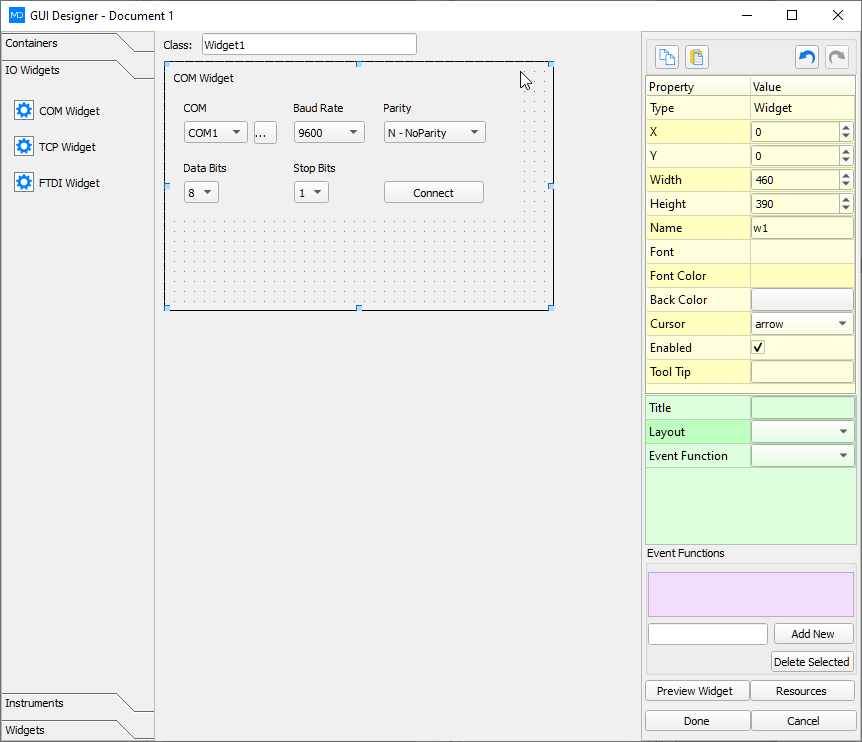
A large number of sensors and embedded boards still speak over a UART. The practical problems are the same every time: which COM port is the board, what baud rate does it expect, and is the traffic binary or text. A COM port panel lists the ports Windows can see, connects in one step, and shows transmit and receive bytes while the rest of the document continues.
Standard serial settings cover baud rate, data bits, parity and stop bits. FTDI-style devices add pin modes and direct driver access for boards that are not plain COM ports. Hex and ASCII views sit side by side so a framing error is visible without a separate terminal program.
Bytes that arrive on the port can be parsed into channels, plotted, or appended to the same log used by other DAQ devices. The port setup does not have to be rewritten when the panel is later packaged as a standalone program.